Sculk
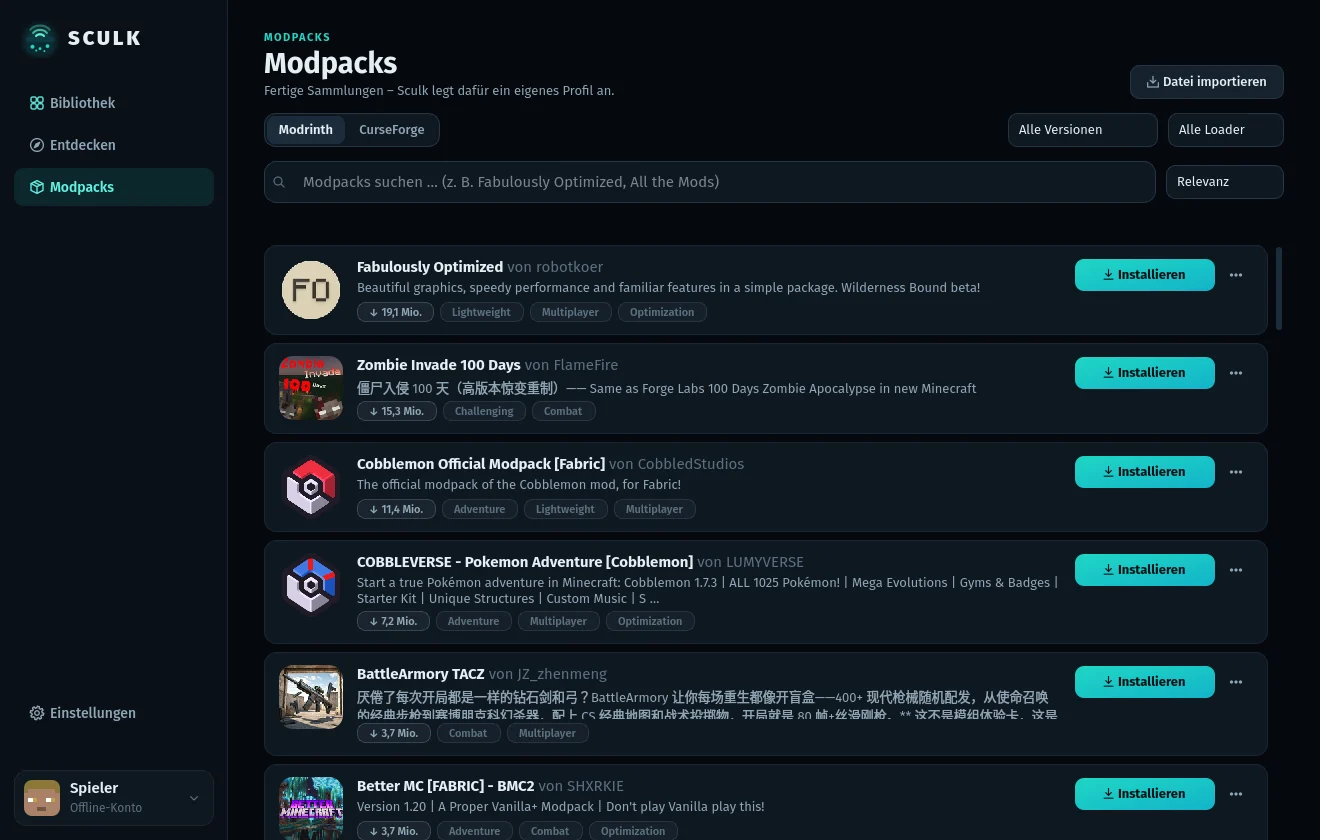
Profiles with their own look, modpacks and mods straight from Modrinth and CurseForge, and one button to play.
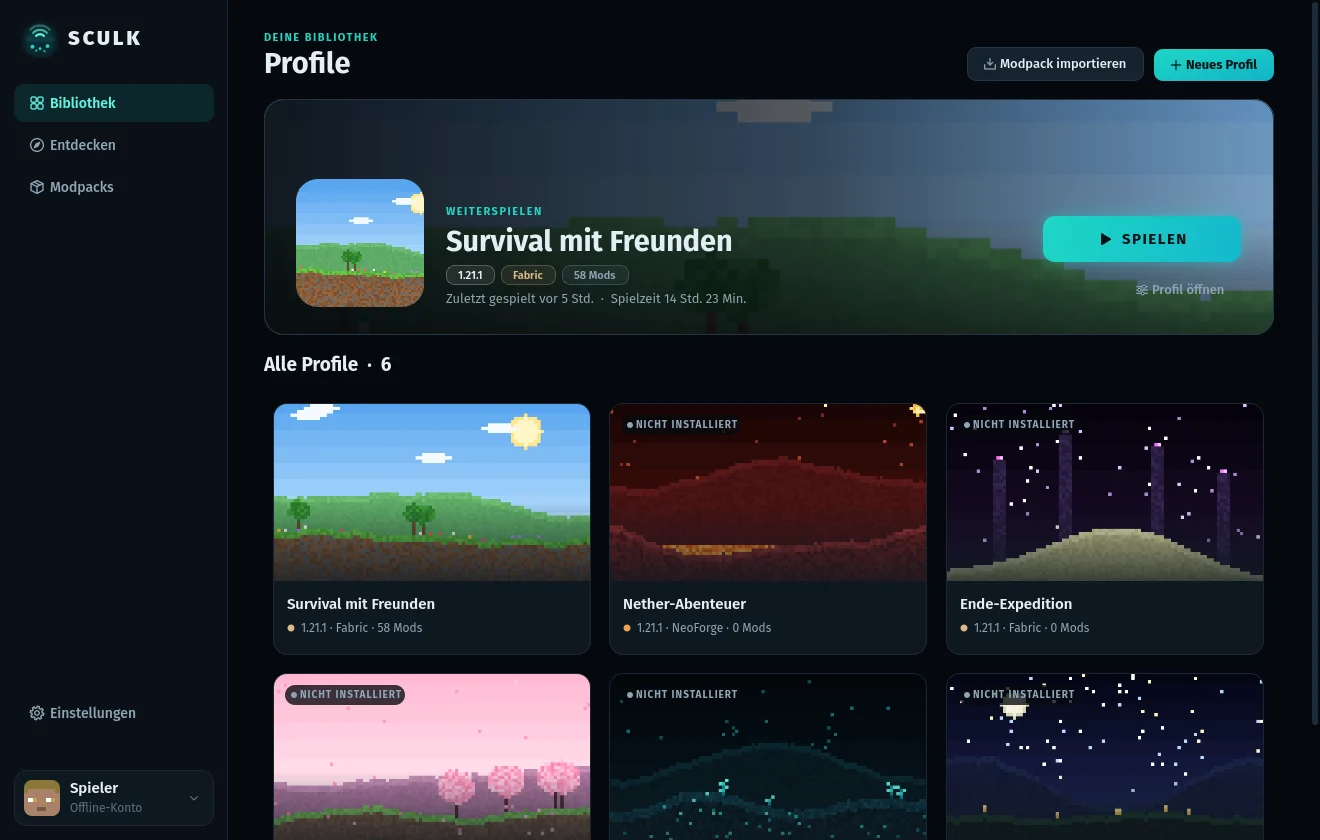
Everything a modded Minecraft setup needs
Each profile is its own game folder with its own version, mod loader, mods, worlds and settings.
Profiles
Vanilla, Fabric, Quilt, Forge or NeoForge on any Minecraft version. Every profile gets an icon and a cover image.
Mods in one click
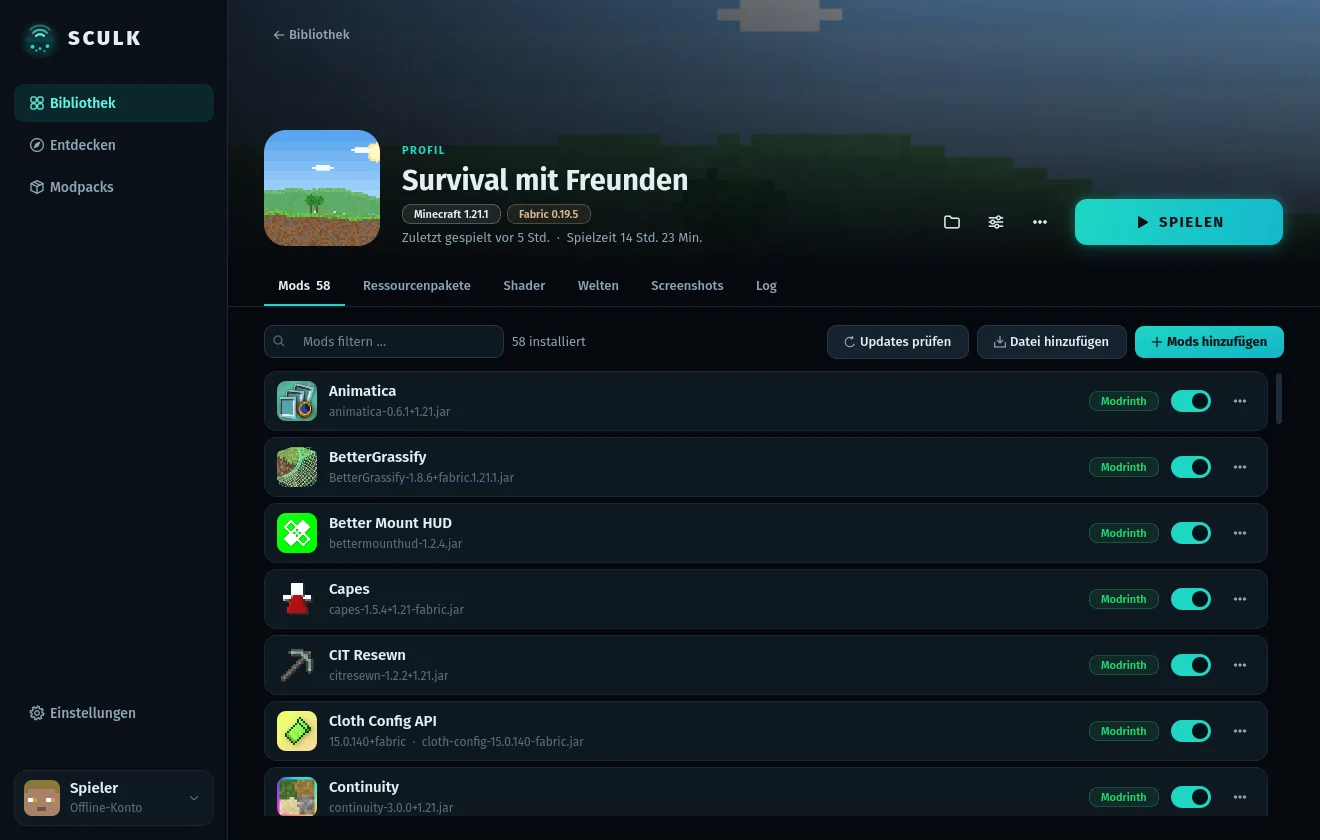
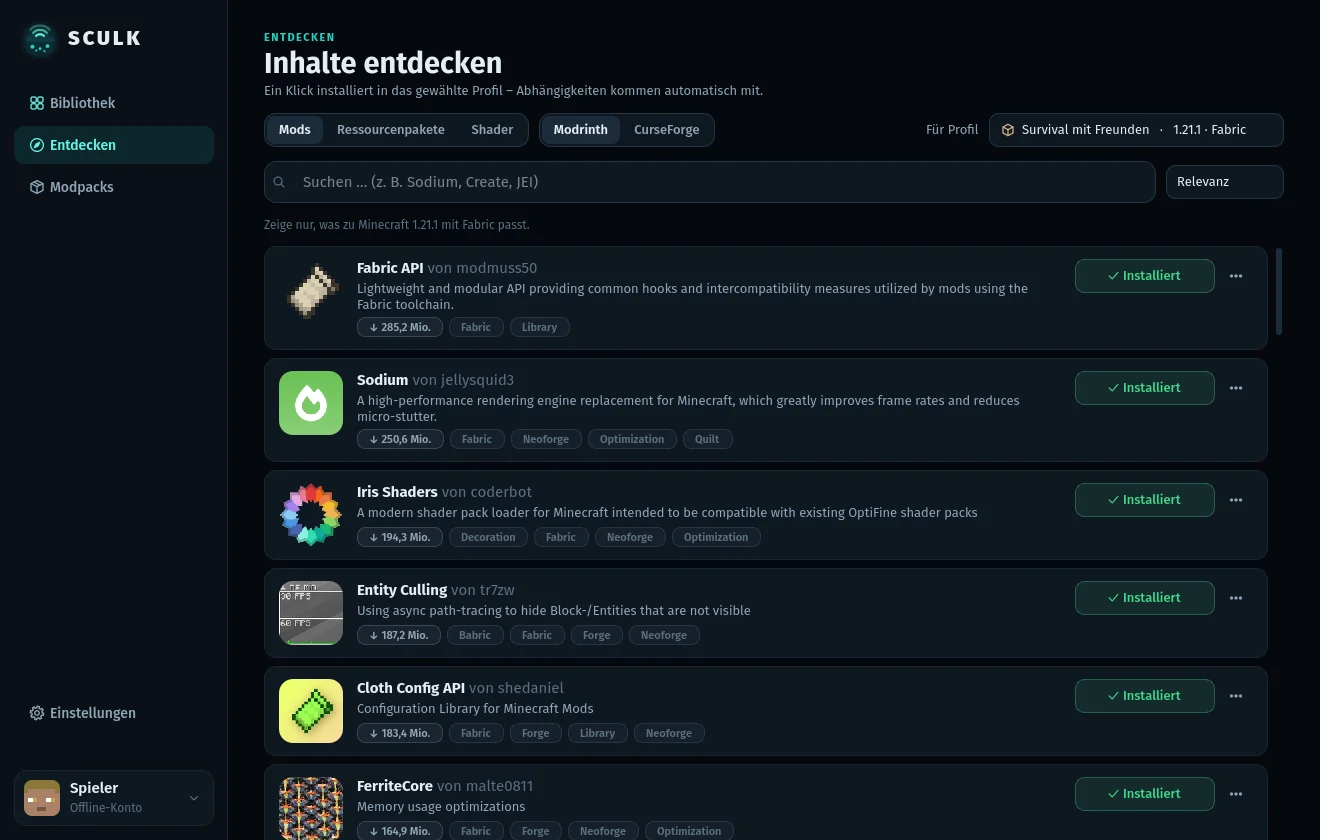
Search Modrinth and CurseForge, see only versions that fit the profile, and get required dependencies automatically.
Modpacks
Install modpacks from Modrinth and CurseForge, import .mrpack and CurseForge .zip files, export any profile as .mrpack.
Updates & control
Check installed mods for updates, switch them on and off, drag files in. Unknown .jar files are recognized with name and icon.
Java handled
The right Java runtime for each Minecraft version is downloaded from Mojang automatically. Memory per profile or globally.
Logs, worlds, screenshots
A live game log, the worlds and screenshots of each profile, plus playtime and “last played”.
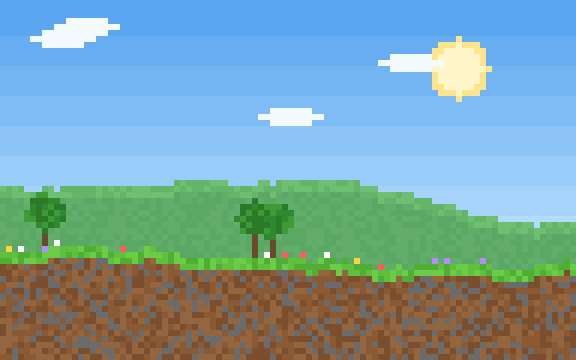
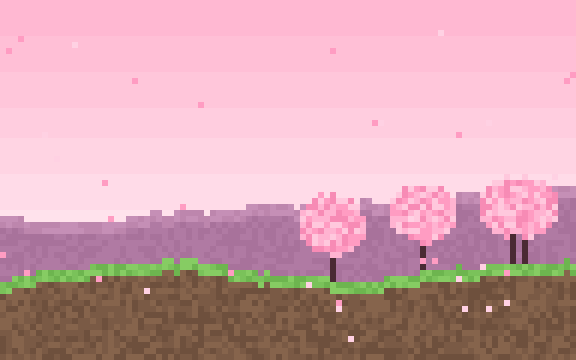
Every profile gets its own look
Pick one of the built-in pixel landscapes – drawn by the launcher itself – or use any image of your own.




How Sculk uses your Microsoft account
Sculk only signs in to start the official game with the account that owns it. Nothing else is done with the account.
device code flowuser.auth.xboxlive.comxsts.auth.xboxlive.comapi.minecraftservices.comofficial game clientWhat Sculk does
- Signs in with the device code flow (scopes
XboxLive.signin offline_access): you enter a short code on microsoft.com/link, Sculk never sees your password. - Gets an XSTS token for
rp://api.minecraftservices.com/, then callslogin_with_xboxand/minecraft/profileto launch the game with your name and UUID and to join online-mode servers. - Downloads game files, libraries and Java only from Mojang’s official servers.
What Sculk does not do
- No own servers, no telemetry, no analytics. Tokens stay in a file on the local computer that only the user can read.
- Tokens are never sent to anyone except Microsoft, Xbox Live and Minecraft Services.
- Does not modify, share or bypass authentication, and does not change the game itself.
Just for me and my friends
Sculk is a launcher I built for myself and share with a few friends. It is free, not sold and not publicly distributed – there is no public download.